Quick Answer
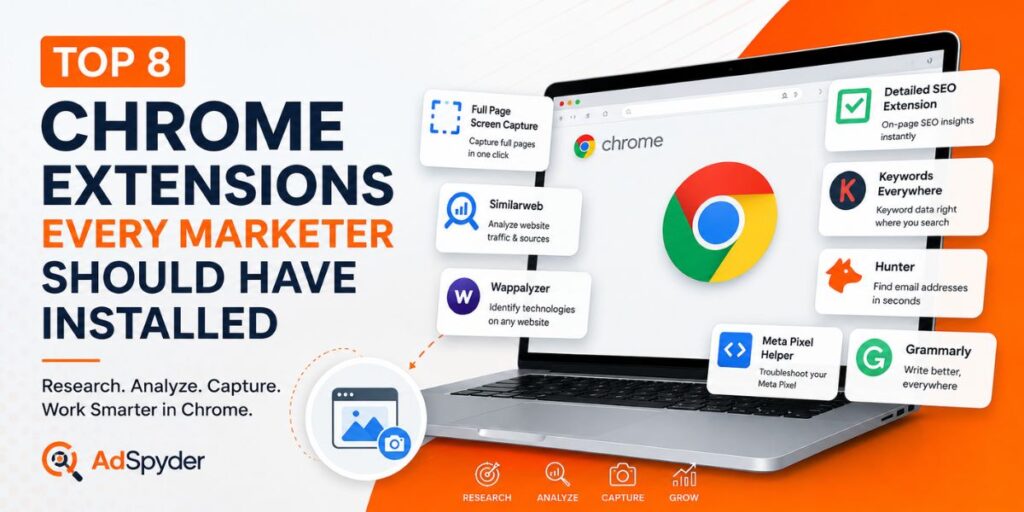
- Full Page Screen Capture — save complete competitor and landing pages.
- Detailed SEO Extension — inspect page-level SEO elements quickly.
- Similarweb — research estimated competitor traffic.
- Keywords Everywhere — speed up keyword research.
- Hunter — find professional email contacts.
- Wappalyzer — identify website technologies.
- Meta Pixel Helper — troubleshoot Meta tracking.
- Grammarly — review marketing copy before publishing.
Marketers spend a surprising amount of time switching between dashboards, opening developer tools, taking screenshots and manually collecting competitor information. The right Chrome extensions for marketers can remove much of that repetitive work without forcing you to leave the webpage you are researching.
This list focuses on practical extensions for PPC teams, SEO specialists, content marketers, growth teams and competitor researchers. You do not need all eight for every project. Pick the tools that remove a real step from your daily workflow.
Top 8 Chrome Extensions for Marketers Compared
| Extension | Best For | Who Should Use It |
|---|---|---|
| Full Page Screen Capture | Full-page screenshots | PPC, CRO, competitor research |
| Detailed SEO | On-page SEO | SEO and content teams |
| Similarweb | Traffic research | Growth and competitor teams |
| Keywords Everywhere | Keyword research | SEO and PPC teams |
| Hunter | Email discovery | Outreach and partnerships |
| Wappalyzer | Technology detection | Research and growth teams |
| Meta Pixel Helper | Pixel debugging | Meta advertisers |
| Grammarly | Writing assistance | Content and ad-copy teams |
1. Full Page Screen Capture — Best for Competitor Research
A normal screenshot only captures what is visible on your screen. That is a problem when you are researching a competitor landing page containing pricing tables, testimonials, FAQs, comparison sections and CTAs further down the page.
Using Full page Capture Screenshot, marketers can save the complete scrolling webpage as one image. This is useful when creating competitor swipe files, recording landing-page changes or preserving campaign pages before they disappear.
Best marketing uses:
- Save complete PPC landing pages.
- Compare competitor pricing layouts.
- Archive seasonal campaign pages.
- Document CRO changes over time.
- Share visual competitor research with your team.
2. Detailed SEO Extension — Best for Fast On-Page Audits
Detailed SEO Extension surfaces important page-level information without requiring you to open source code. Marketers can quickly inspect the page title, meta description, canonical URL, headings, robots directives and other SEO elements.
It is especially useful when reviewing competitor articles. Instead of manually inspecting every page, you can quickly understand how a competitor structures headings and metadata before carrying out deeper keyword or content-gap research.
3. Similarweb — Best for Competitor Traffic Research
Similarweb’s browser tools help marketers get a quick directional view of a website’s estimated traffic, audience geography and acquisition sources.
The numbers should be treated as estimates rather than a competitor’s private analytics data. The extension is most useful for answering broader questions: Is this competitor heavily dependent on search? Which countries appear important? Is the website large enough to justify deeper research?
4. Keywords Everywhere — Best for Keyword Discovery
Keywords Everywhere adds keyword information directly to search and research workflows. SEO specialists can use it to identify related searches and additional keyword ideas without repeatedly moving between Google and a separate keyword platform.
PPC specialists can also use browser-level keyword research to build initial campaign themes before validating the final list inside their main advertising and keyword tools.
5. Hunter — Best for Outreach Research
Marketing does not stop at traffic. Partnerships, digital PR, link building and sales outreach often require finding the right person behind a website.
Hunter helps researchers find publicly available professional email information associated with domains. This can reduce the time spent manually searching contact pages, team pages and social profiles.
Use discovered contact information responsibly. Good outreach is relevant and personalized—not sending the same template to thousands of addresses.
6. Wappalyzer — Best for Website Technology Research
Wappalyzer identifies technologies used by websites, including CMS platforms, ecommerce software, analytics tools, frameworks and other visible technology signals.
For growth marketers, this adds another dimension to competitor research. You may discover whether a competitor uses Shopify, WordPress or another commerce stack, which analytics technologies appear on the site and which marketing tools may support its funnel.
7. Meta Pixel Helper — Best for Meta Ads Tracking Checks
Nothing damages an advertising test faster than broken measurement. Meta Pixel Helper helps advertisers identify whether Meta Pixel events are being detected on a webpage and can surface obvious implementation issues.
Use it when validating important pages such as product pages, lead forms, checkout flows and thank-you pages. It is a debugging assistant—not a replacement for checking events inside Meta’s own event-management tools.
8. Grammarly — Best for Quick Copy Review
Marketers constantly write headlines, ad descriptions, outreach emails, landing pages and social posts. Grammarly can catch basic spelling, grammar and clarity problems directly inside browser-based editors.
Use it as the final quality-control layer. It should not decide your positioning, offer or brand voice. An advertisement can be grammatically perfect and still be strategically weak.
Top 8 Chrome Extensions for Marketers
You probably do not need eight extensions running simultaneously. Start with a small stack based on your actual job:
A Simple Competitor Research Workflow
A useful extension stack works better as a workflow than as eight unrelated icons in Chrome:
- Open a competitor website.
- Check its traffic and technology signals.
- Inspect the page’s SEO structure.
- Research important keywords.
- Capture the complete landing page.
- Store the useful findings in your campaign research file.
For the capture step, gofull page is particularly useful because the final file keeps the entire page together instead of forcing your team to interpret several disconnected screenshots.
Final Takeaway for Top 8 Chrome Extensions for Marketers
The best marketing Chrome extensions are not necessarily the ones with the longest feature lists. They are the extensions that remove repeated manual work from a workflow you already perform.
Start with three or four that solve your biggest browser-level problems. Keep extensions that save research time, improve measurement or make competitor analysis easier. Remove the rest. A cleaner browser—and a more deliberate tool stack—usually beats installing every marketing extension available.